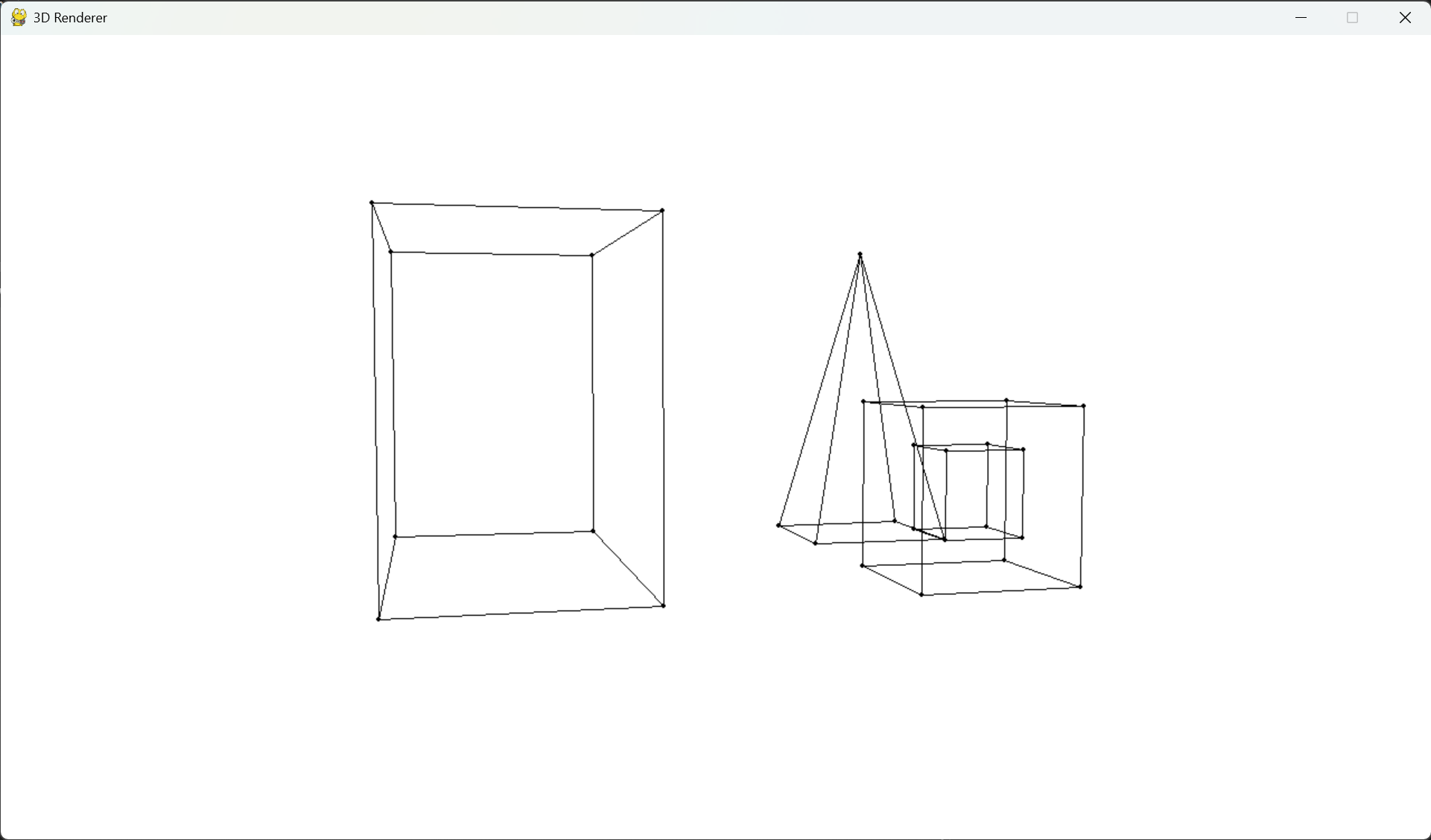
3D Renderer was written using Python and PyGame library. This project was part of "Computer Graphics" course at Warsaw University of Technology
--- ## Features - Create your own scene - Move around the scene using the keys ## Installation Download latest package version from Releases tab, unpack, install requirements and you good to go **Requirements** - Python installed - PIP packages: - `pygame` - `numpy` You can also use `requirements.txt` file to install PIP dependencies ``` pip install -r requirements.txt ``` ## Usage ``` python 3d_renderer ``` **Create the scene:** You can define your own scene in `main` method of `App` class in `3d_renderer/app.py` file. - Create object builder: `obj_builder1 = ObjectBuilder()` - Add as many vertices to the object as you want: `va = obj_builder1.add_vertex(-1, 1, 1)` - Connect vertices to make edges: `obj_builder1.add_vertices_connection(va, vb)` - Build object and add it to the scene: `self.renderer.add_object(obj_builder1.build())` **Controls:** - W - move forward - S - move backward - A - move left - D - move right - Space - move up - LShift - move down - = - FOV up - - - FOV down - F - Pitch up - R - Pitch down - E - Yaw up - Q - Yaw down - C - Roll up - Z - Roll down