2
Guide: Creating new project and editing its properties
Mateusz Skoczek edited this page 2026-02-13 19:08:23 +01:00
Creating new project and editing its properties
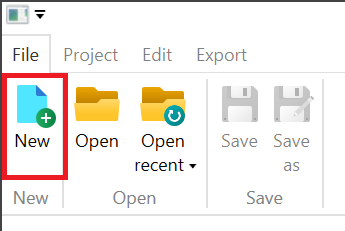
To create a new project, go to the "File" tab and then click the "New" button.
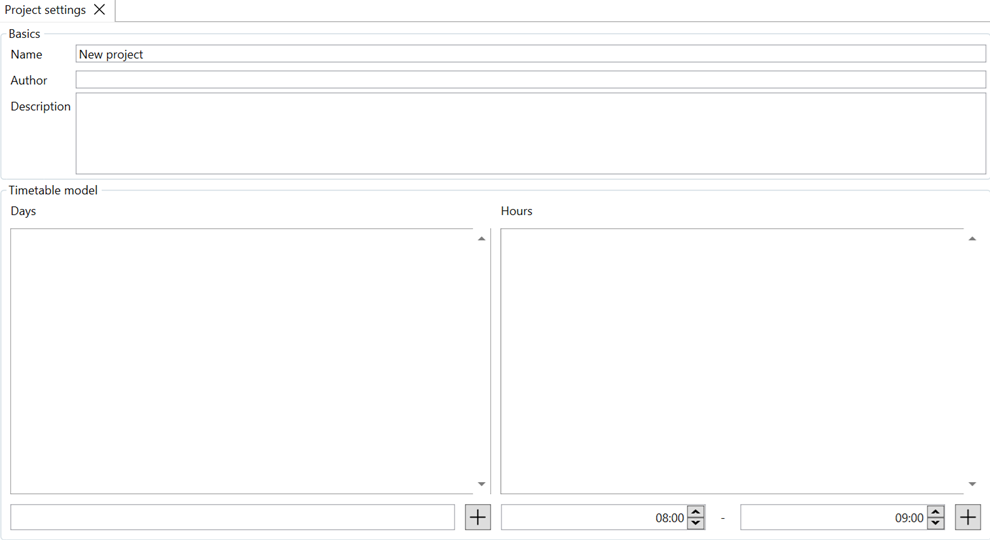
A new tab with project settings will open. You can edit the name, description, and author, as well as define a list of days and lesson blocks, which you can add using the "+" button. You can delete days and blocks using the trash can button next to the day or block name.
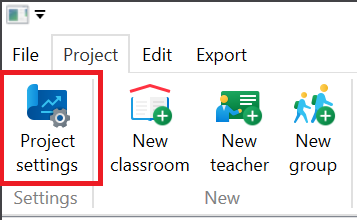
Access to project settings is also possible by entering the "Project" tab and clicking the "Project settings" button.